Sign in to Fuel first.
Sign inConnect Claude to Insert Fuel
Works on Claude Free (one custom connector) and every paid plan.
Already see Fuel or Insert Fuel in your list? Remove the old one, then add this one.
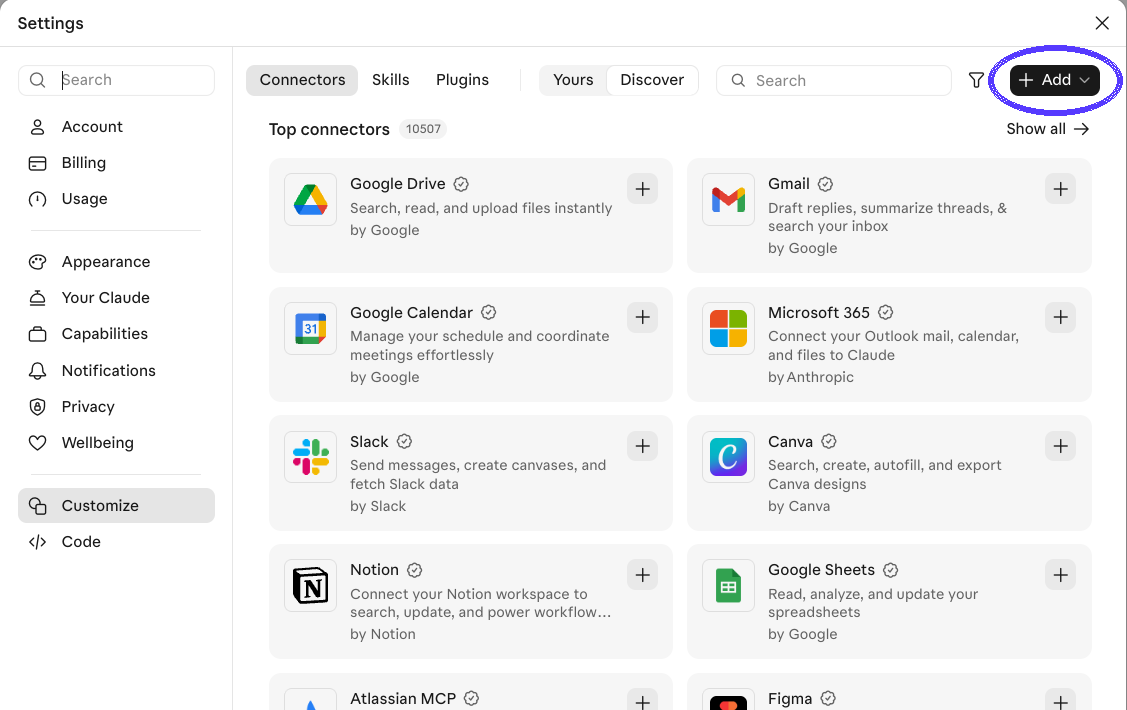
In Claude, click your name (bottom left), then Settings, then Connectors. Click + Add, then Add custom connector.
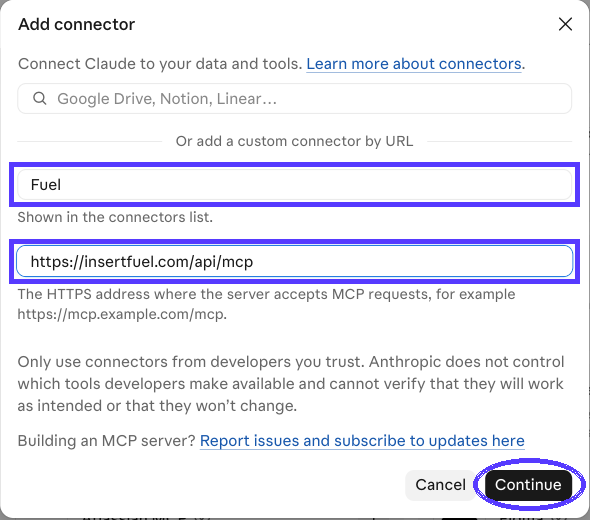
Name: Insert Fuel. Paste the address: https://insertfuel.com/claude Click Continue.
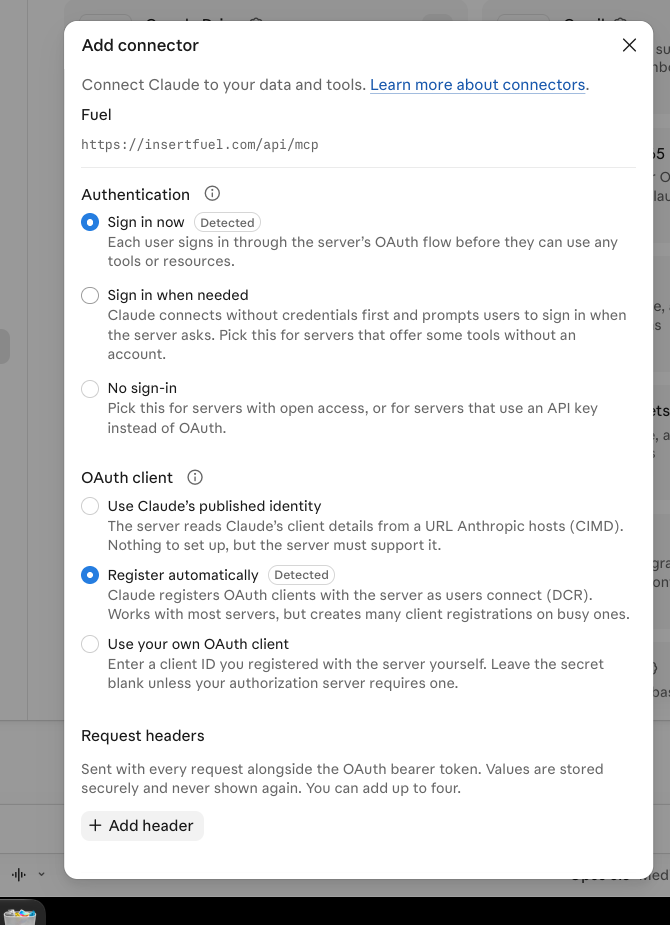
Keep Sign in now and Register automatically. Click the button at the bottom.
Click Connect.
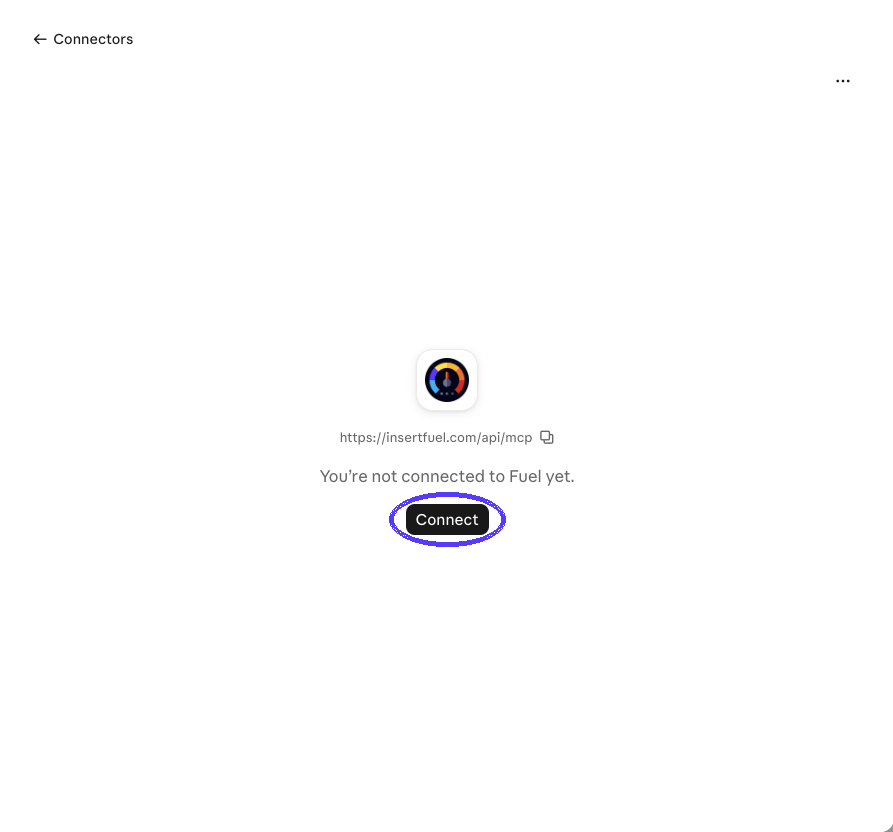
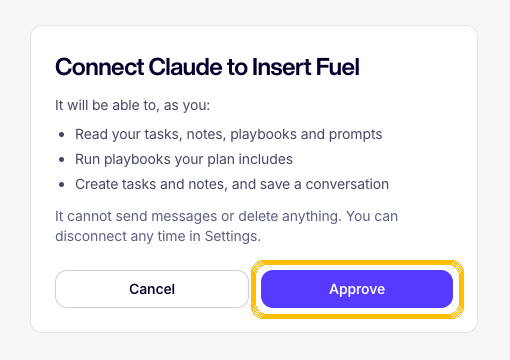
Sign in to Fuel, click Allow. Done.
- Name taken? Use Insert Fuel 2.
Test it
In a new chat, ask:
What's on my task list today?