Fuel Cart
Your Fuel Cart is empty
Browse the Fuel ShopTasks and the board basics
Open Tasks, read the board, add a task and know what each status means.
- Open TasksTap Tasks in the bottom bar.
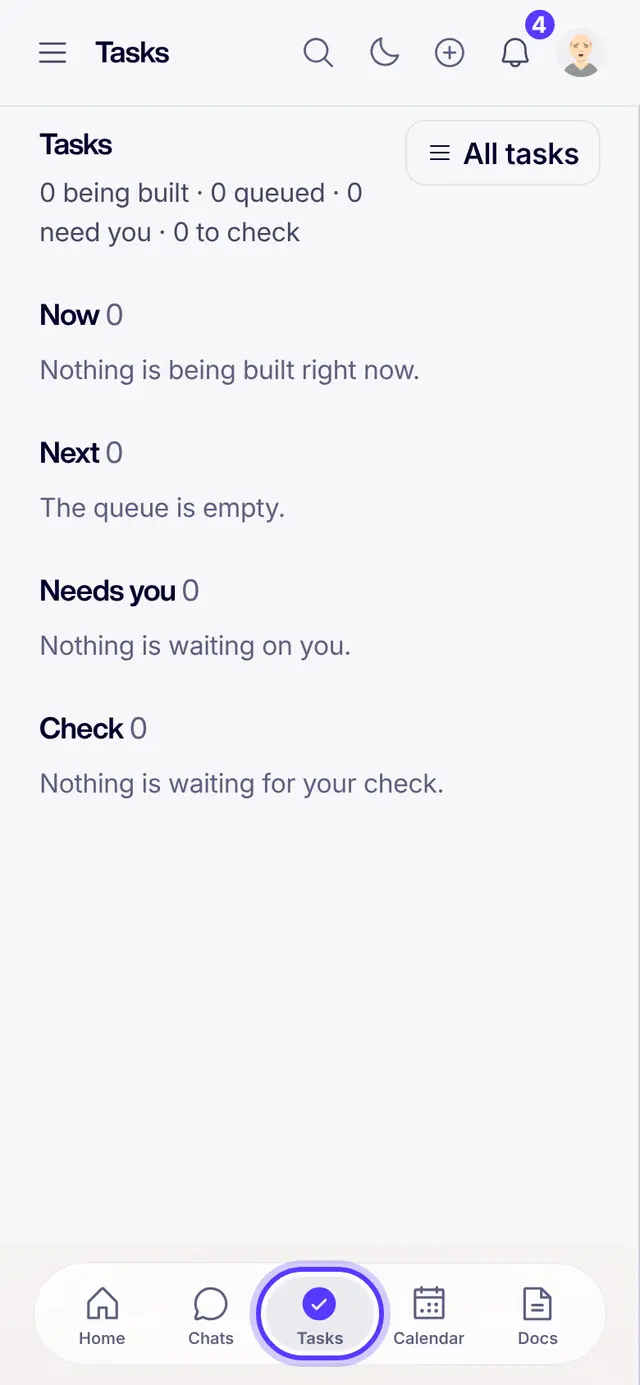
- Read the boardNow is what someone is working on. Next is the queue. Needs you waits on you. Check is finished work waiting for your look.
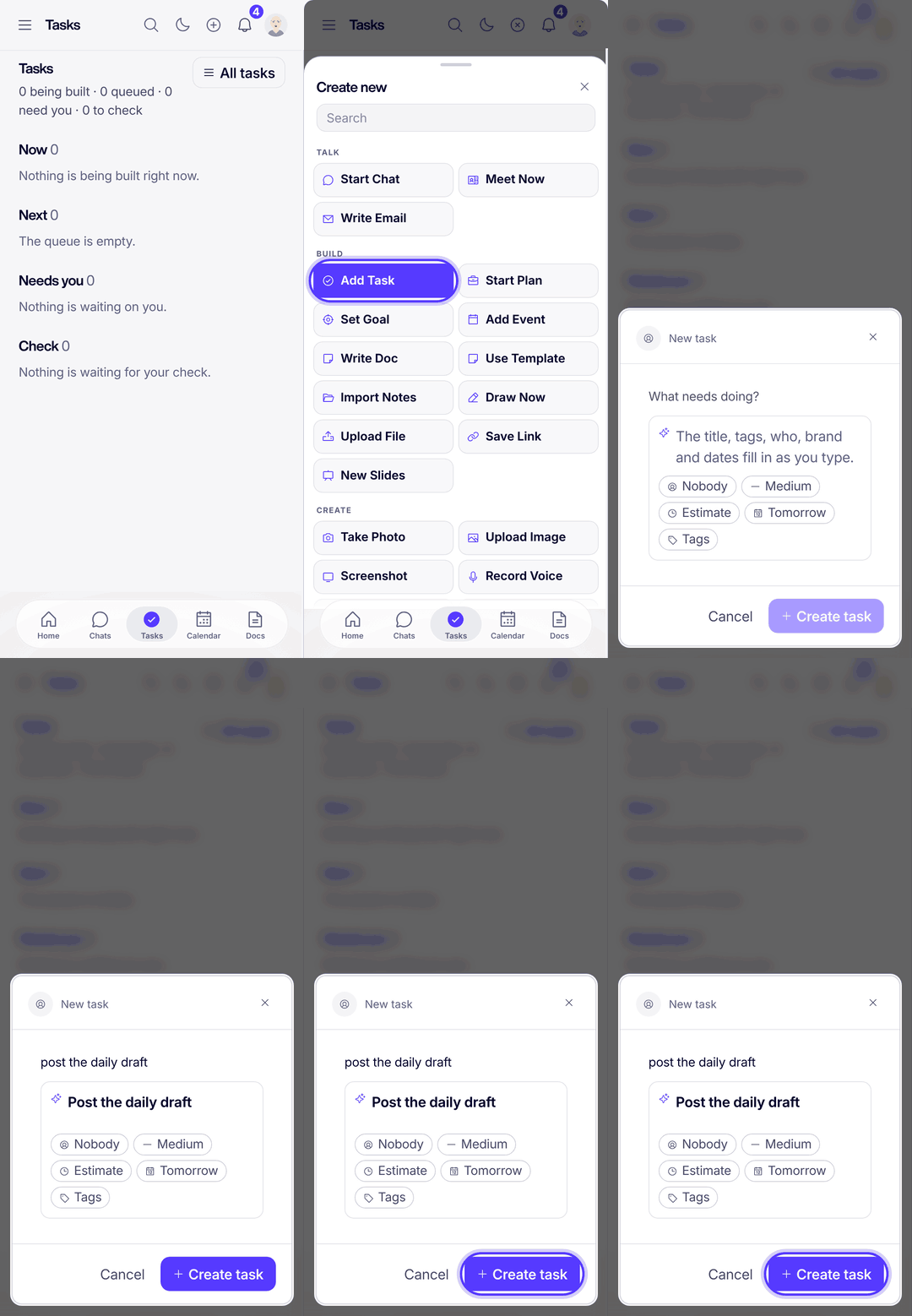
- Add a taskTap the plus at the top, then Add Task. Type what needs doing: the owner, priority and date fill in as you type. Tap Create task.
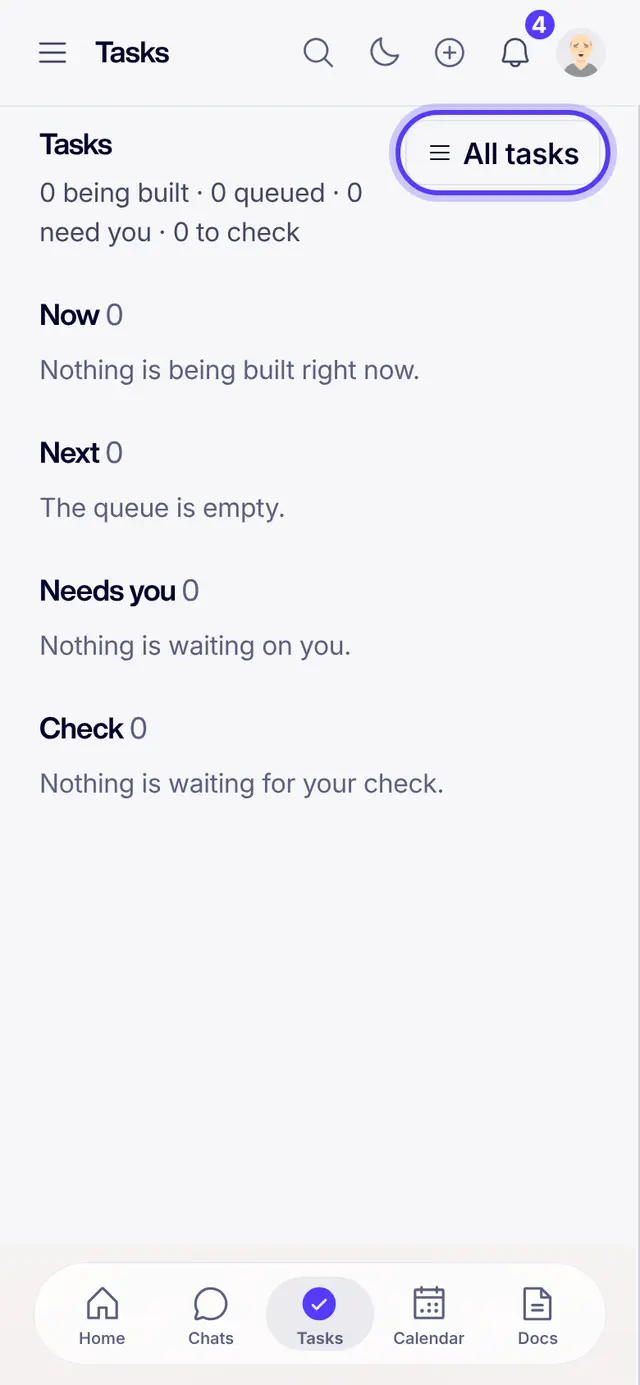
- See every taskTap All tasks for the whole list. Switch between the Simple, Queue and Mission views.
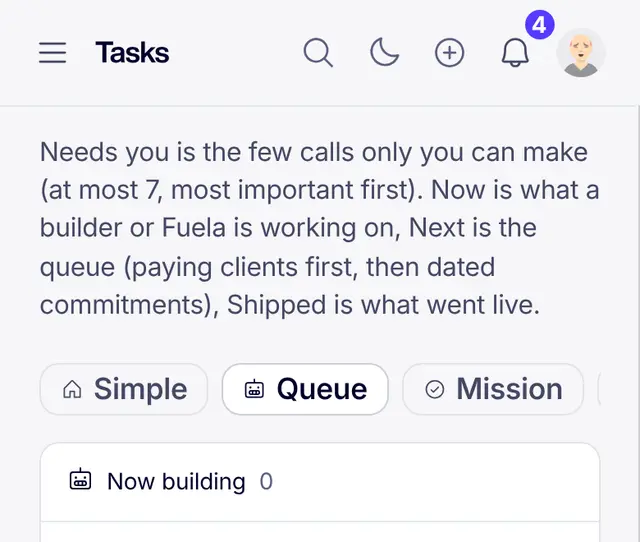
- What the statuses meanNew has not started. Scheduled has a date. In Progress is being worked on. Reviewing is being checked. Needs You waits on a person. Completed is done. Archived is put away, never deleted.
Part of Fuel, a whole life OS for your work and your day. Read the overview.
Related articles
- What the task statuses meanNew, Scheduled, In Progress, Reviewing, Needs You, Completed, Archived.
- Create a taskThree taps from idea to assigned work.
- Ask Fuela for anythingType or talk. Fuela makes the task, writes the message and finds the answer.
- Getting started in FuelSign in, get the real app, find your chats, meet Fuela and connect your socials. About five minutes.
Not what you needed? Ask Fuela any hour, or search the library.